 Phone Stands
  Sun Protection
  Car Cleaning
  Car Chargers
  Powerbank
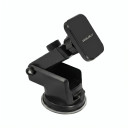


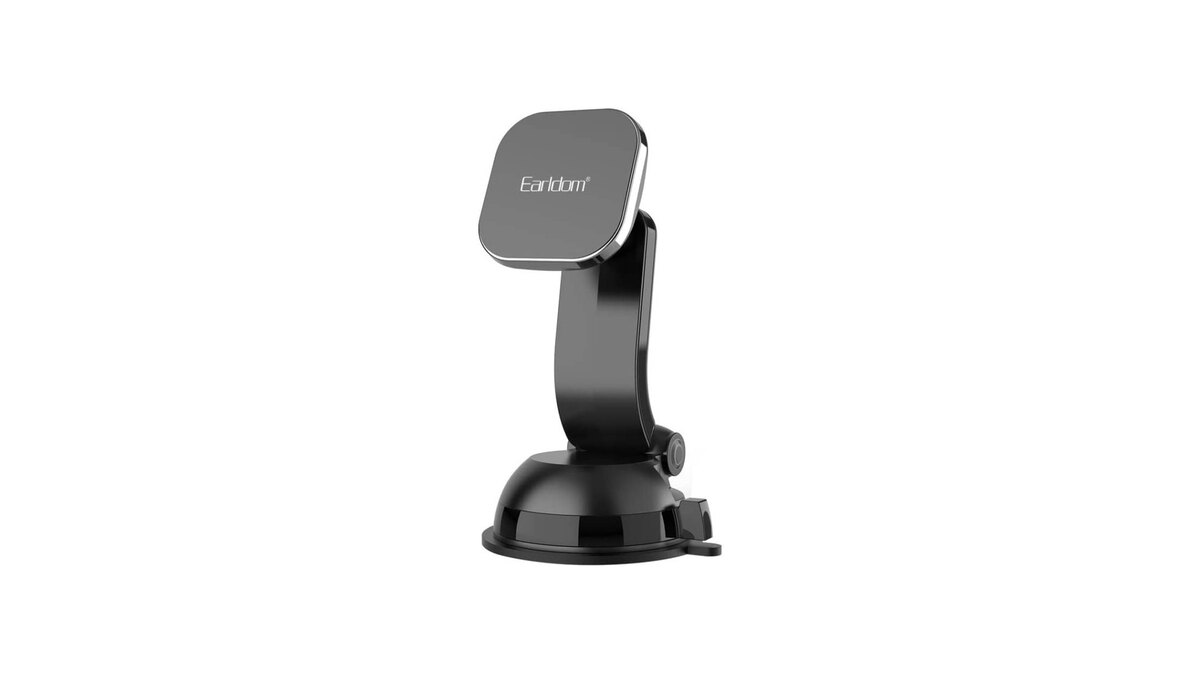
A premium car phone mount should earn its place in your car before it earns the word “premium.” The useful question is not whether a holder looks impressive in a photograph; it is whether its position, grip, adjustment and everyday routine suit your phone, vehicle and driving habits. The Earldom ET-EH127 costs €23.90, and this guide shows you how to assess that purchase without pretending that a product name or price proves performance.
Only the product name and price are treated here as confirmed product facts. Mount type, materials, dimensions, device compatibility, adjustment range and manufacturer performance specifications are not assumed. Check the current product-page details before ordering, then use the practical checks below to decide whether the stated configuration fits your real setup.
What “premium” should mean for a car phone mount
“Premium” is most useful as a shopping standard, not as a guarantee. At €23.90, the Earldom ET-EH127 invites comparison with cheaper alternatives, but price alone cannot tell you how securely a holder will work in your car. A better premium test is friction reduction: does the selected mount make placing, viewing and removing your phone simple while asking for minimal readjustment? That result depends on the product’s documented design and on your specific phone, case, cabin and chosen location.
Start with four outcomes. First, the holder should have a documented attachment method appropriate for the surface or fixture you intend to use. Second, the phone-retention method should accommodate the device and its case according to the seller’s stated limits. Third, the viewing position should avoid obstructing the road, mirrors, instruments, controls and safety equipment. Fourth, normal insertion and removal should not tempt you to perform complicated adjustments while moving.
These are criteria to evaluate, not claims that the ET-EH127 has already passed them. Read the listing closely, inspect the available product imagery and ask the seller if an essential measurement or compatibility detail is absent. A premium purchase is informed when uncertainty is resolved before checkout rather than discovered in the driver’s seat.
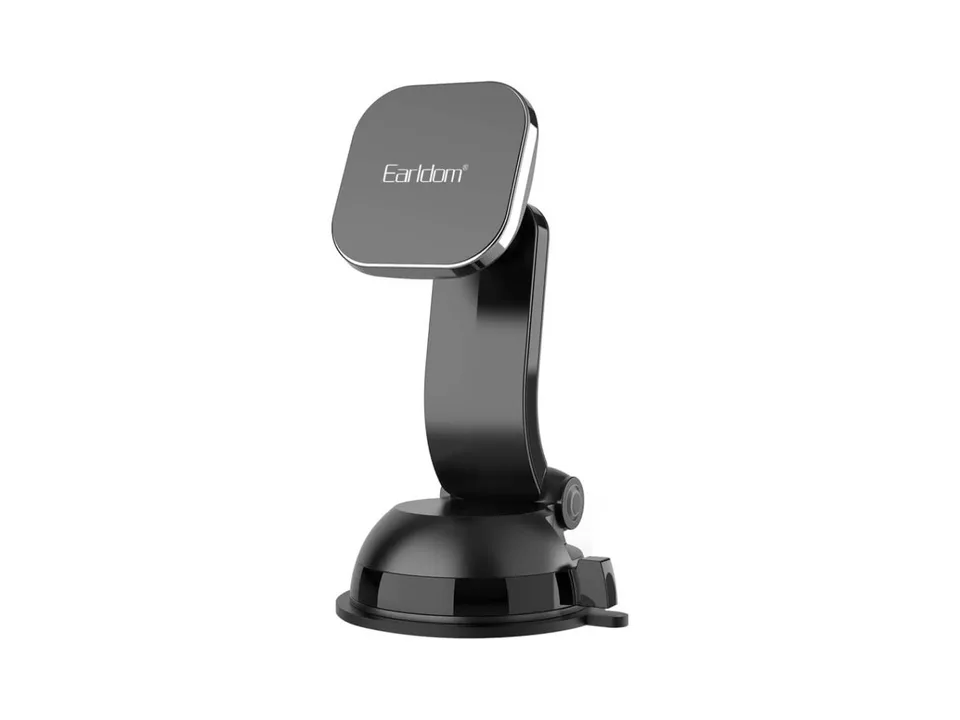
How to evaluate grip and fit without trusting vague claims
Grip is a system. One connection holds the mount to the car, another retains the phone, and any adjustment point must maintain the selected angle. A weakness at any connection can affect the experience, so a phrase such as “strong grip” should begin your questions rather than end them. Look for clear product-page explanations of how each connection works and which limitations apply.
Measure or identify your actual setup before comparing it with the listing. Include the phone case because it changes thickness, width, surface texture and sometimes the location of buttons or camera elements. If you regularly attach a cable before a trip, consider where that cable exits and whether it could pull against the holder. If more than one driver or phone will use the mount, check every likely combination instead of assuming that one successful fit covers all.
Your car matters just as much. The suitable checks differ depending on the attachment method stated on the product page. Examine the intended mounting area for shape, movement, texture, heat exposure and proximity to controls, but do not improvise an attachment to a surface or fixture the seller does not identify. Verify the ET-EH127’s actual mount type and installation instructions on the product page; this article intentionally does not infer them.
When the mount arrives, evaluate it while parked. Insert the phone as instructed, set the intended angle, connect any cable and gently operate nearby controls. Confirm that the screen remains readable at a glance without forcing an awkward head movement. A parked evaluation cannot promise performance on every road, but it can expose poor positioning, interference and fit problems before they become driving distractions.
Premium versus budget: compare the whole ownership experience
A budget holder can be the rational choice when the requirement is simple, usage is occasional and the documented configuration matches the car and phone. A premium option can make sense when the buyer values a smoother routine, clearer product information, suitable adjustment or a better match for repeated use. None of those benefits should be assumed from the label. Compare documented details and the seller’s applicable terms rather than treating price as proof.
Build a two-column comparison for your shortlist. Record the confirmed attachment method, stated device limits, instructions, included items, adjustment options, dimensions if supplied and support information. Add the delivered cost and any practical uncertainty. An inexpensive product with missing essential fit information may be a poor-value gamble; a higher-priced product that does not suit your mounting location is no better.
For another shopping perspective, read the budget car phone mount guide. Use it to compare decision criteria, not to assume that either model wins every category. The Earldom ET-EH127’s confirmed price is €23.90. Whether that is worth paying depends on what its current listing confirms and whether those details solve your needs.
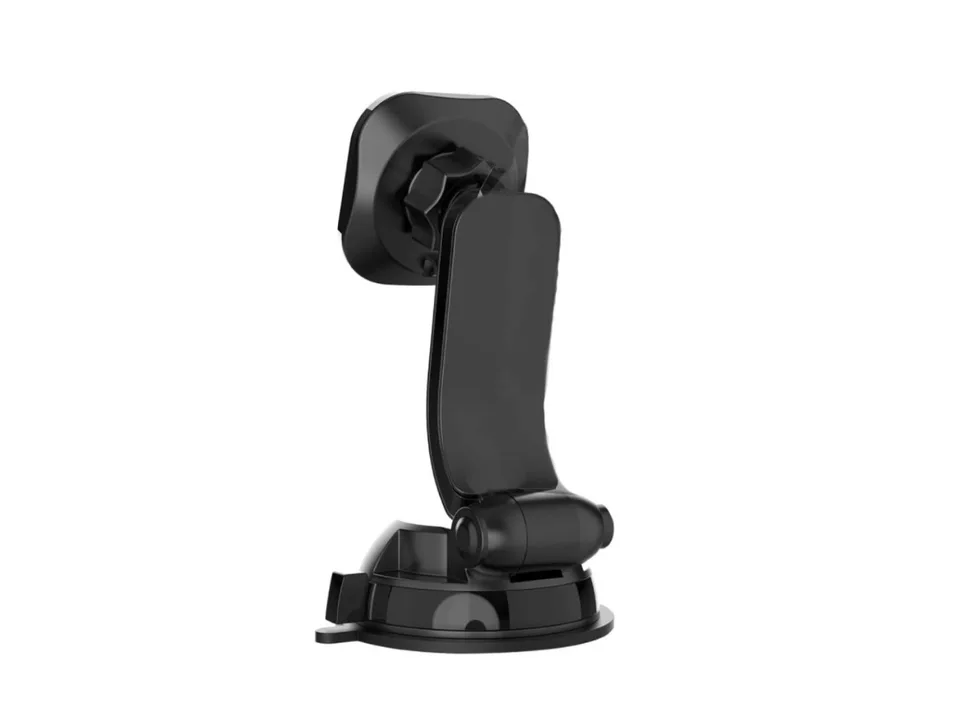
Practical selection checklist before you buy
Use this checklist with the product page open. If a decisive answer is missing, ask for clarification rather than filling the gap with a guess.
- Confirm the exact model: make sure the listing and basket both identify Earldom ET-EH127 and show the expected price of €23.90.
- Identify the mount type: verify the stated vehicle attachment method. Do not infer it from this article or from the model name.
- Check phone fit: compare any stated dimensions or compatibility limits with your phone while its normal case is fitted.
- Check the mounting location: ensure the documented method suits an available place that does not obstruct your view, mirrors, instruments, controls or safety systems.
- Review access: consider side buttons, charging port, camera area and any cable route relevant to your use.
- Review adjustment: confirm what movement the seller documents and whether that movement supports your preferred screen orientation and viewing angle.
- Read installation guidance: check whether the listing or package provides instructions and follow them instead of inventing extra steps.
- Inspect included items: verify what the package is stated to contain; do not assume that an accessory pictured elsewhere is included.
- Check seller terms: read the current delivery, return and support information applicable to your purchase.
- Plan parked setup: decide to install, adjust and test the holder before driving, never during the journey.
This method takes a few minutes, but it protects against the most common mismatch: buying a generally appealing product without checking the one detail that determines whether it works in a particular cabin.
Installation and safer placement guidance
Install the mount only while the vehicle is safely parked and switched off where appropriate. Clean or prepare the attachment area only as the product and vehicle instructions allow. Follow the ET-EH127 documentation in sequence, use only the supplied or explicitly approved components and avoid forcing any part. If the instructions conflict with your intended position, choose another suitable position or stop and request guidance.
Placement deserves more attention than screen convenience. The phone and mount should not obstruct the driver’s direct view, mirrors, dashboard information or controls. Keep them away from airbag deployment areas and other vehicle safety equipment. Consult the vehicle manual when you are unsure. Rules can differ by country and can change, so confirm the current requirements where you drive; this guide is practical shopping information, not legal advice.
The European Commission’s road-safety guidance on distraction explains that phones and navigation devices can distract drivers and that a navigation device should be easy to see without blocking the view. A mount does not make interacting with a phone safe. Set the destination, audio and other essentials before moving, and pull over safely when a task demands attention.
After installation, sit in your normal driving position and inspect the setup, still parked. Turn the steering wheel as needed to check visibility, operate essential controls and view each mirror. Ask whether a quick glance at navigation leaves the road visible in peripheral vision and whether screen reflections create an avoidable problem. Then secure loose charging cable so it does not interfere with steering, pedals, gear selection or controls.
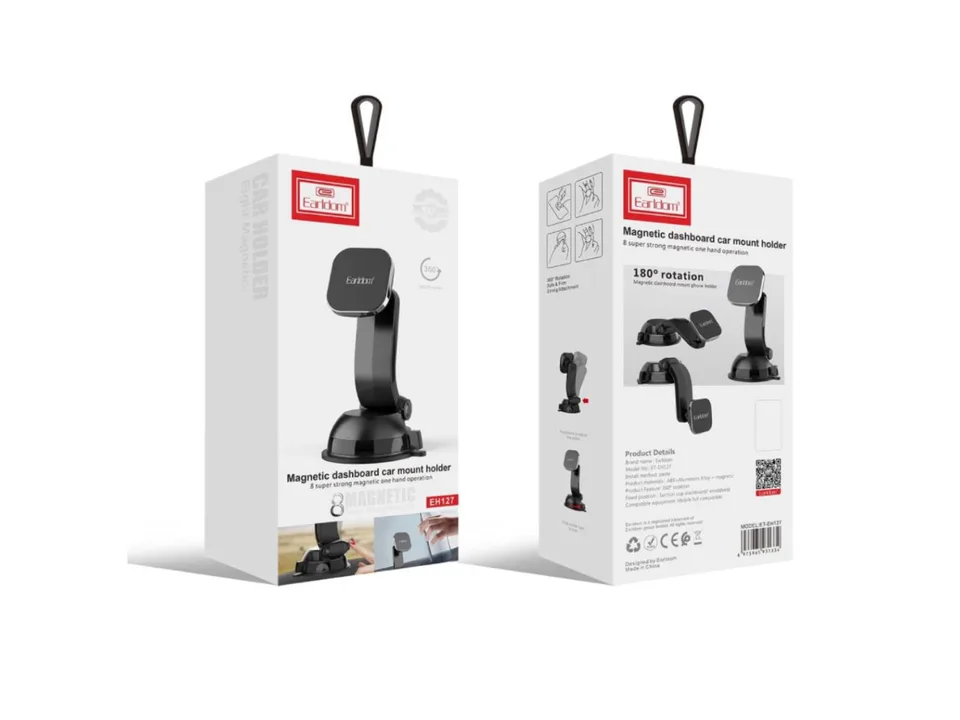
A sensible daily-use routine
A good setup can still become distracting when the routine is poor. Before departure, check that the mount has not shifted, place the phone in it according to the instructions and confirm retention with a gentle parked check. Connect power if needed, enter the route, select audio and silence unnecessary notifications. If the holder needs adjustment, finish that adjustment before releasing the parking brake.
During the journey, treat the screen as a navigation aid, not a second dashboard to manage. Prefer spoken directions when they reduce the need to look away. Do not type, browse, read messages or repeatedly correct the mount while moving. If the angle slips, the phone does not feel secure or the cable becomes intrusive, stop in a safe permitted place before touching the setup.
After the trip, inspect only when there is a reason: visible movement, looseness, damage, unusual noise or difficulty retaining the phone. Follow the manufacturer’s documented care guidance rather than adding oils, glues, pads or replacement parts that are not approved. If you also want a charging plan for longer days, the everyday powerbank guide covers practical power habits; verify every device and cable combination separately.
Common buying and setup mistakes
Buying the word “premium” instead of verified fit
A polished title and a higher price can create confidence before the essential questions are answered. The correction is simple: compare your phone, case, car and preferred location with the documented details for the exact model.
Assuming the mount type from a photograph
Images help orientation, but perspective can hide important interfaces and included parts can vary by listing. Read the product description and package information. For the ET-EH127, product-page details should be checked rather than inferred here.
Choosing a position only because it is close
The nearest location may obstruct a control, place the screen too low or overlap a critical sightline. Evaluate the position from the normal driving posture and account for mirrors, instruments, airbags and cable routing.
Performing the first real test while driving
Installation, orientation changes and fit checks belong in a parked vehicle. Prepare the complete navigation and charging routine before departure, then stop safely if something requires correction.
Ignoring the phone case or a second driver
A case changes the fit, and another driver may need a different viewing position. Test the real configuration for each regular user while parked. Do not assume one setup suits everyone.
Treating a holder as permission to interact
A mounted phone can still create visual, manual and cognitive distraction. The holder’s role is placement; the driver’s responsibility is attention. Keep interaction to a minimum and follow current local rules.
Is the Earldom ET-EH127 the right €23.90 choice?
The answer is yes only if the current listing confirms the details your setup requires. Earldom ET-EH127 and €23.90 are the known product facts used in this guide. Before purchase, verify mount type, device limits, attachment requirements, adjustment, package contents and instructions on the Earldom ET-EH127 product page. Then compare those facts with the checklist, your vehicle manual and your normal phone case.
If the match is clear, the next step is straightforward: order with a plan to install and configure it while parked. If a key detail remains unclear, do not convert uncertainty into a grip claim; ask the seller or continue comparing. You can also browse the BANDO blog for related buying and everyday-use guides.
Check Earldom ET-EH127 details and current availability
Frequently asked questions
How much does the Earldom ET-EH127 cost?
The Earldom ET-EH127 is listed here at €23.90. Check the product page for the current price and availability before ordering.
What type of car phone mount is the ET-EH127?
This guide does not assume the mount type. Verify the attachment method and installation requirements on the current product page before buying.
Will the Earldom ET-EH127 fit my phone and case?
Compatibility is not assumed here. Compare your phone with its normal case against the dimensions or limits stated on the product page, and ask the seller if a needed detail is missing.
Does a premium mount make phone use safe while driving?
No mount removes distraction. Install and configure it while parked, keep the road and controls unobstructed, minimize interaction, follow local rules and pull over safely when a task needs attention.